
- VAT invoice with every order
- Technical help after purchase
- 14 days to return
Network Implants
6 products
Network implants are compact tools for testing wired Ethernet networks. This collection combines hardware for automated audits and packet capture with LAN taps for traffic analysis. Choose equipment around the task, connection and workflow you need.
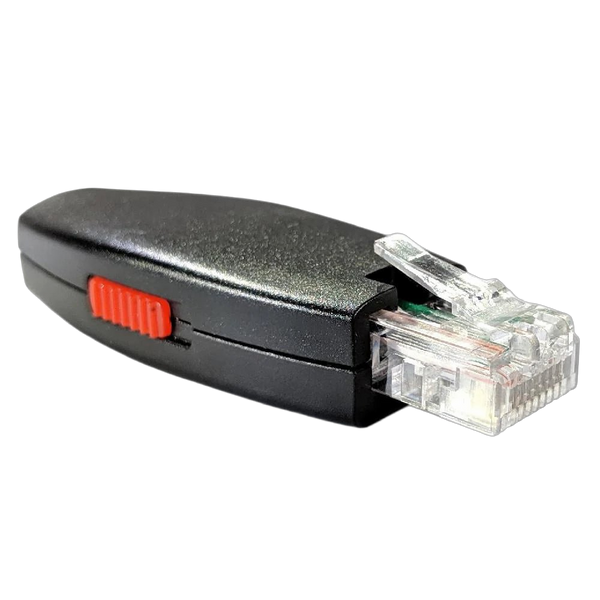
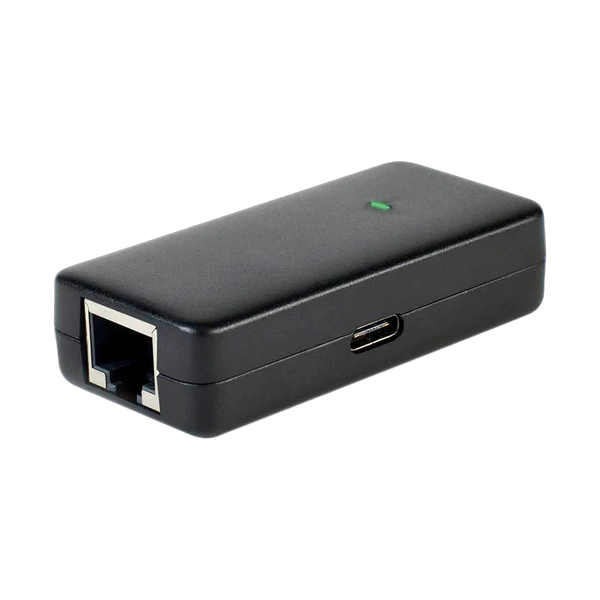
Plunder Bug Hak5
815.00 złLast one left
Temporarily out of stock
We'll email you when they're back in stock.
More temporarily out of stock
Showing 6 of 6
About Network Implants
How to choose, what it's for and where to start.
Shark Jack and Packet Squirrel
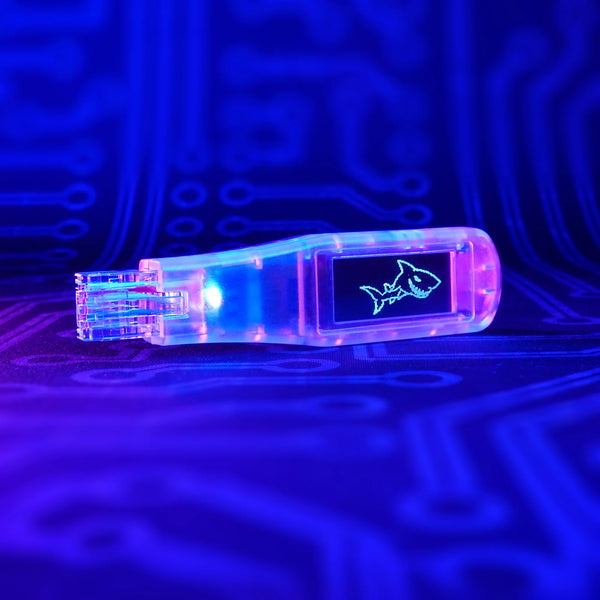
Shark Jack supports quick network reconnaissance and runs prepared tests when connected to an Ethernet port. Shark Jack Display adds a screen for operating the device and reviewing results in the field. Packet Squirrel Mark II sits inline with a network connection and supports tasks such as packet capture and network automation. Explore the Hak5 collection for the manufacturer's wider range.
LAN taps for Ethernet traffic analysis
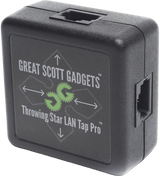
Plunder Bug combines a LAN tap with a USB-C interface for analysing traffic on a connected computer. Great Scott Gadgets' Throwing Star LAN Tap Pro is a passive tool for monitoring 10/100 Mbps connections. These designs work differently: compare their capture methods, monitoring workstation requirements and necessary cables. A network tap does not replace packet analysis software.
Check connections, speed and power
Before choosing a device, check its supported Ethernet speed, port count, power requirements and how you retrieve results. A short test at a wall socket calls for different equipment from longer observation of a specific link. Find cables and other parts for your setup in Network accessories.