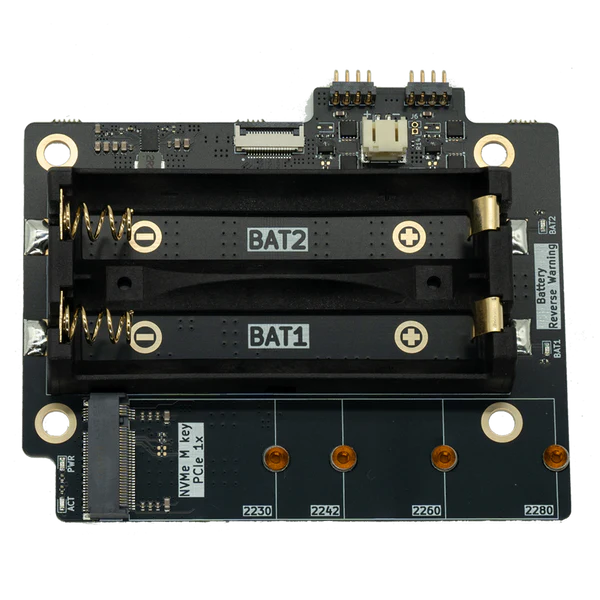
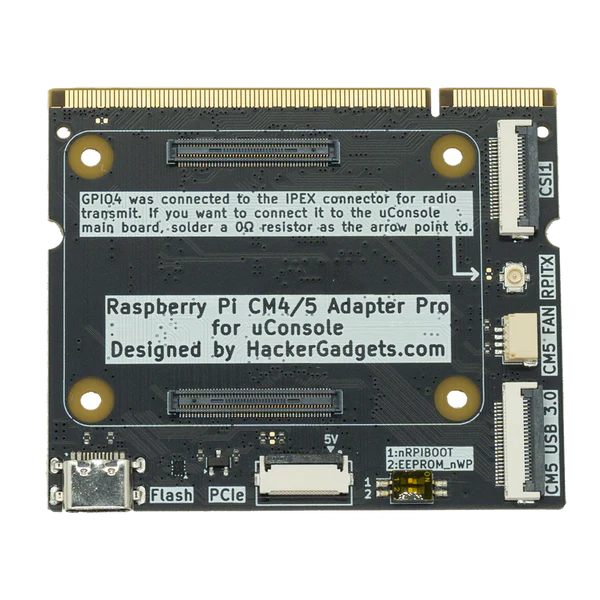
uConsole Adapter Board - Upgrade Kit (NVMe, USB 3.0, Ethernet)
PCIe · NVMe · USB 3.0 · CSI
155,00 zł174,00 złShips ~30 Nov

Lowest price in 30 days before discount:
Notify me when it's back
We'll send one email when Raspberry Pi Compute Module 5 - CM5 8GB Lite (CM5108000) is back in stock.
Add-ons and accessories tested with CM5.
PCIe · NVMe · USB 3.0 · CSI
M.2 NVMe 2230-2280 · 18650
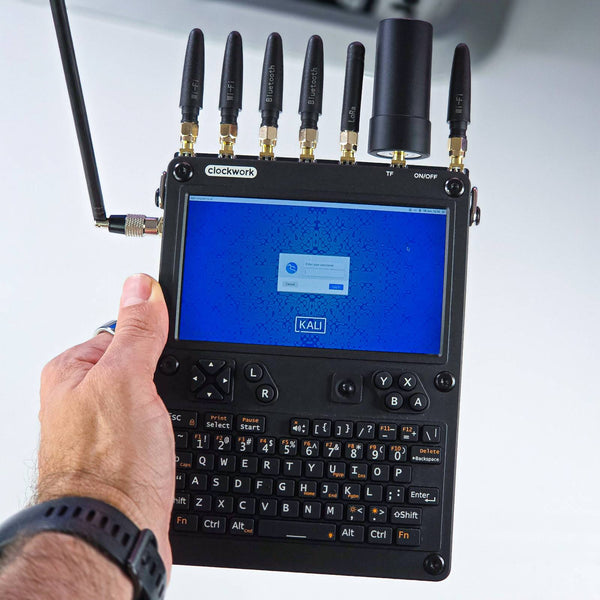
Raspberry Pi Compute Module 5 (CM5) is the newest, flagship compute module from Raspberry Pi. This variant - CM5108000 - combines 8 GB of RAM with the Lite version (no onboard eMMC, you boot the system from a microSD card). We sell it as a standalone module - for example when you already own a uConsole and want to switch from the CM4 core to the more powerful CM5.
If you are building or upgrading a uConsole, the CM5 delivers a clear performance jump over the CM4 - a faster Cortex-A76 processor and 8 GB of RAM. A dedicated CM5 adapter is required to fit it into the uConsole. Note that the CM5 module runs hotter than the CM4 - under the right conditions (use in rooms up to about 25°C / 77°F) it works stably.
We ship the module from the Sapsan warehouse in Poland, with fast delivery.
Didn't find your answer? Write to us - we also help after your purchase.
This equipment is intended for education, research and authorized security testing. Only test devices and systems you own or have permission to test from an authorized person or organization. When using the equipment, comply with applicable laws, including rules on radio communications and privacy.