


SAPSAN Domovik
- AI Vision
- Wi-Fi Trace
- 2,4/5 GHz
- USB-C
2 490,00 zł
Lowest price in 30 days before discount:
In stockShips from our warehouse in Poland
Notify me when it's back
We'll send one email when SAPSAN Domovik is back in stock.
- Free shippingOrders over $200 · Poland: usually 1-2 business days
- VAT invoice with every order
- 14 days to returnReturn policy
- Technical help after purchase
Description
SAPSAN Domovik is a handheld hidden camera and WiFi bug detector: AI Vision shows hidden lenses on the screen, and Wi-Fi Trace scans the 2.4, 5.2 and 5.8 GHz bands.
How to check a room for hidden cameras
A hotel room, a rental apartment, a meeting room. Domovik combines two modes, AI Vision for finding lenses and Wi-Fi Trace for scanning WiFi signals, to help you inspect spaces where privacy matters. You operate both on the 2.4-inch touchscreen.

From scanning to locating a lens
See how a room inspection works: selecting a mode, reading the screen and checking the area of interest.
AI Vision: a hidden camera detector with an on-screen view
AI Vision helps you find camera lenses concealed in everyday objects. A ring of LEDs around the camera brings out the reflection from the lens, and Domovik marks the detected lens with a frame on the screen.
- Select AI Vision mode.
- Slowly inspect objects facing the bed, desk or meeting area.
- Look closely at the marked spot and check it from a different angle.

Wi-Fi Trace: a scanner for WiFi cameras and bugs
Wi-Fi Trace scans the 2.4, 5.2 and 5.8 GHz bands. It helps you find signals from cameras and bugs that use WiFi, adding a check for wireless activity to AI Vision.
- Start Wi-Fi Trace in the room you are checking.
- Read the indications on Domovik’s screen.
- Inspect the indicated source and the surrounding area, using AI Vision as well.

The kit and your first scan
Prepare Domovik for your first scan. Its 1000 mAh battery charges through a USB-C port.

Charge it. Select a mode. Check the room.
Use the touchscreen to access settings and read the results. During an inspection, combine Wi-Fi Trace with AI Vision in places that could conceal a lens.
Support from SAPSAN
Have a question about operation or choosing a device? Contact us. We can help you choose an inspection method for your use case. Have a camera you want to check? Send us its model, we take reports into account in future versions of Domovik. Contact SAPSAN
SAPSAN Domovik specifications
Declared specifications.
| Modes | AI Vision (lens detection) and Wi-Fi Trace (WiFi scan) |
|---|---|
| AI Vision | Lenses from 1 mm |
| WiFi bands | 2.4 / 5.2 / 5.8 GHz |
| WiFi standards | 802.11 a/b/g/n/ac/ax |
| Display | 2.4-inch touchscreen, 640 × 480 |
| Sensitivity | −90 dBm |
| Antenna | Omnidirectional, 3 dBi |
| Stated detection range | 0.1-6 m |
| Battery and charging | 1000 mAh, USB-C |
| Alerts | Visual on-screen and audible |
| Operating temperature | −10°C to +45°C |
Frequently asked questions
Didn't find your answer? Write to us - we also help after your purchase.
Which hidden camera and bug detector should I choose?
Ideally one that combines lens detection with a WiFi signal scan. Domovik has both modes in one device: AI Vision marks a detected lens on the screen, and Wi-Fi Trace scans the 2.4, 5.2 and 5.8 GHz bands. You operate it on the touchscreen and charge it via USB-C.
Can I find a hidden camera with my phone?
A phone camera helps with a visual check. Domovik is built for finding lenses: a ring of LEDs around its camera brings out the reflection from a lens, and AI Vision marks the detected lens on the screen right away. Wi-Fi Trace also checks the WiFi signals in the room.
What cameras can Domovik help me find?
Domovik combines two methods: AI Vision detects lenses, and Wi-Fi Trace scans for WiFi camera signals in the 2.4, 5.2 and 5.8 GHz bands. You can use both modes when inspecting the same room.
Can I check a hotel room or rental apartment?
Yes. Start with objects facing the bed and the areas you use. Check them with AI Vision, then add a Wi-Fi Trace scan.
Why are there two modes?
AI Vision helps locate a lens. Wi-Fi Trace provides information about wireless signals. Using both methods helps you inspect an area of interest more closely.
How do I charge the device?
Domovik has a 1000 mAh battery and a USB-C port. Check the manual supplied with the device for the recommended power supply and charging procedure.
Where can I check availability and delivery?
Current availability appears next to the price. Shipping costs and available delivery methods depend on the destination country and address; you can check them before paying.
Manufacturer and safety information
- Manufacturer
- SAPSAN CYBERSEC Sp. z o.o.
- Address
- ul. Objazdowa 14/14A, 43-430 Skoczów, Polska
- [email protected]
- Country of origin
- China
- Markings
- CE
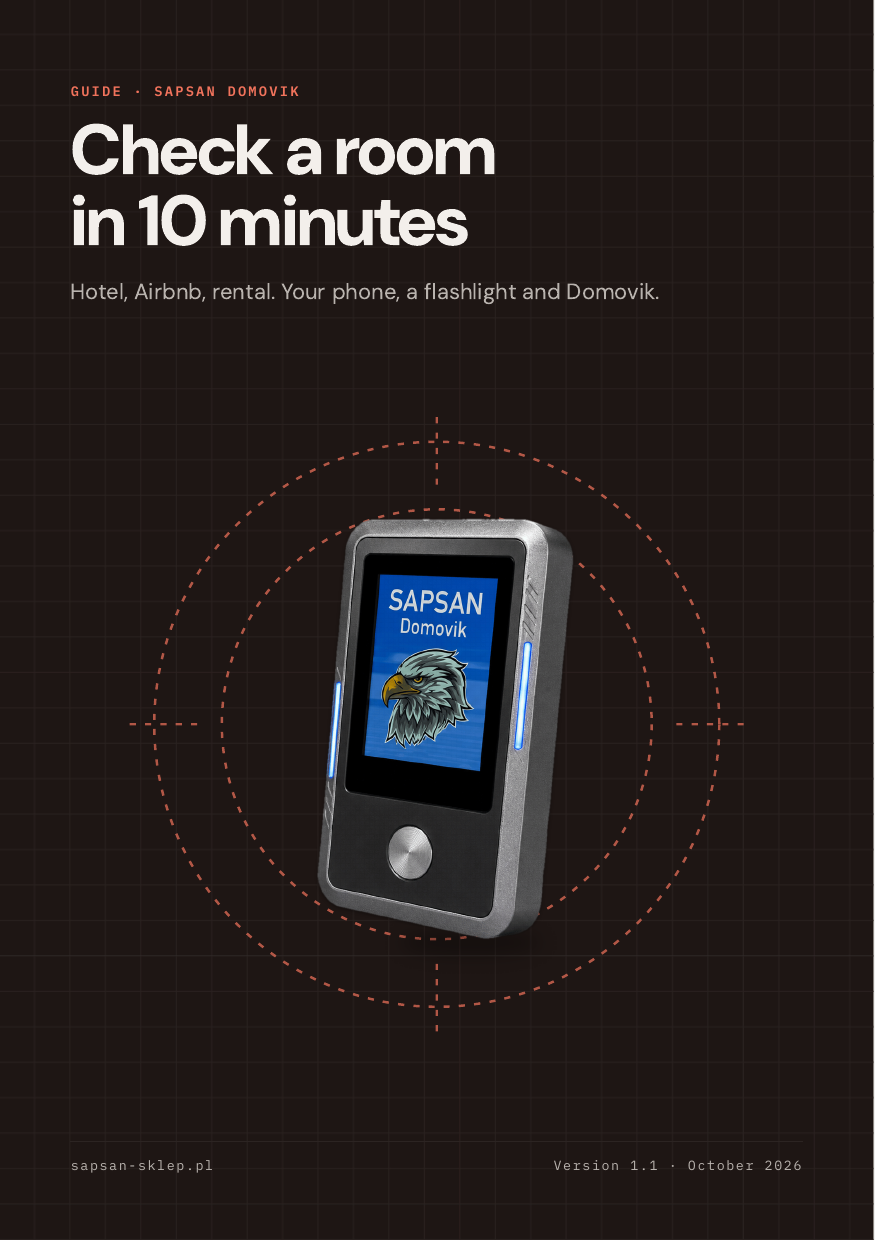
Free PDF guide, 10 pages
Check a room in 10 minutes
The SAPSAN Domovik protocol: what to check with your phone and a flashlight, and what only a detector will find. Leave your e-mail and we will send the guide right away.
- A 10-minute plan: phone, flashlight, Domovik
- 12 hiding spots for cameras and bugs in hotels, Airbnbs and offices
- False alarms, what to do when you find one, a wallet card